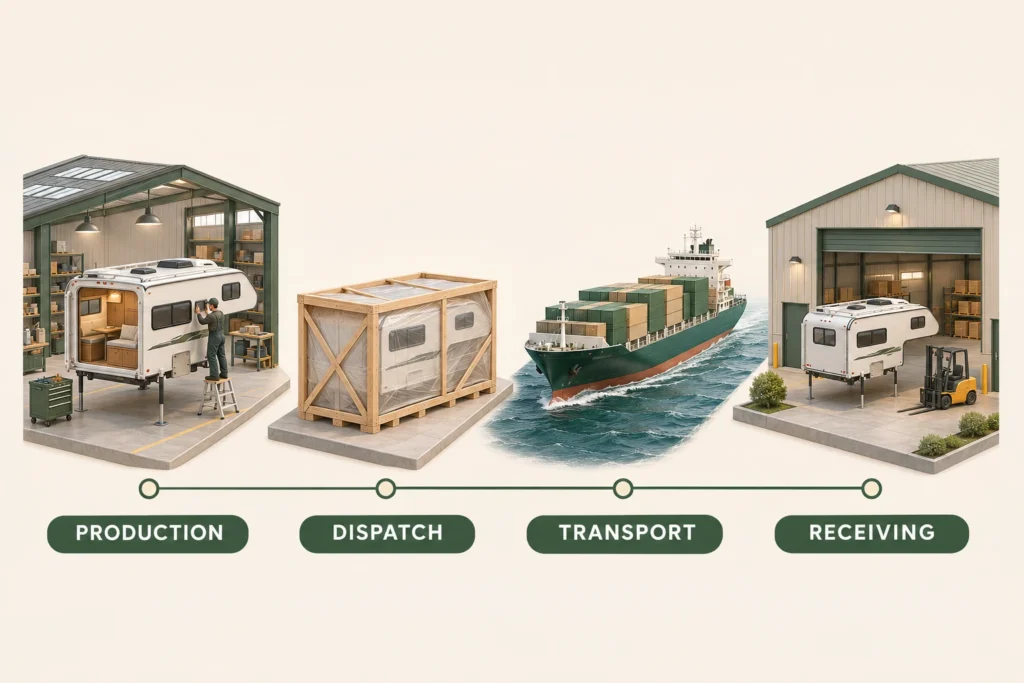
A camper order can accumulate several versions of the same decision: a quotation attachment, a marked-up interior image, and messages about equipment changes. Before production, the buyer and supplier need one identifiable configuration that explains what will be supplied. An unanswered question should remain visible instead of disappearing into a folder of correspondence.
If you are deciding how to confirm a truck camper equipment list before production, build the review around item identity, inclusion status, and document revision. This approach gives importers, dealers, camper brands, rental fleets, and project buyers a common reference for the proposed order.
Identify the order and the configuration under review
Put the camper model, order reference, configuration revision, and issue date at the top of the list. Name the person coordinating the buyer’s comments and the supplier contact handling the review. For a mixed order, identify which units or groups use each configuration.
Start with the proposed model in the Huntoo furnished camper range. Keep its equipment record separate from another model’s list, even where the descriptions look similar. A familiar product name does not establish that every configuration includes the same items.
Attach the relevant layout reference and identify its revision. If an item appears in a drawing but is missing from the equipment list, ask for that discrepancy to be resolved before treating it as included.
Give every line a clear supply status
Separate the question of whether an item is available from the decision to include it in this order. An option shown in a brochure may still be unselected. A requested addition may still be awaiting the supplier’s response.
A practical review can use these statuses, agreed with the supplier:
- Included: part of the configuration being confirmed.
- Selected Optional: an option explicitly selected for this order, with the selection recorded.
- Excluded: outside the agreed supply list.
- Pending: a decision or supplier clarification is still required.
These labels are a proposed editing method, not Huntoo’s standard package names. Define their meaning in the review so “Optional” on its own cannot be mistaken for an included item. Keep commercial amounts in the appropriate private order documents.
Describe items well enough to distinguish them
Give each line a stable identifier and a description that the supplier can confirm. Add quantity and intended location where they affect the order. When an equipment specification matters to your purchase, record the exact confirmed identification or the supplier document that defines it.
For electrical or other installed equipment, have the relevant supplier or qualified reviewer confirm the requirements for the intended configuration and destination. Put unresolved requirements in the open-items record. A broad description such as “power system” leaves too much room for different interpretations.
Also distinguish equipment supplied installed, loose items supplied with the camper, and items the buyer intends to source separately. Ask where responsibility for an interface or connection will be recorded. Avoid assuming that selecting one device includes every related accessory or installation task.
Use a review sheet with a separate place for open questions
| Field | What to record | Why it matters |
|---|---|---|
| Item ID and description | A stable line reference and the agreed equipment description. | Comments and changes stay attached to the same item. |
| Quantity and supply status | The number supplied and whether the item is Included, Selected Optional, Excluded, or Pending. | Availability and selection remain distinct. |
| Identification reference | The confirmed model, specification reference, or agreed description where applicable. | The buyer can see which version is being discussed. |
| Location and supply form | Where the item belongs and whether it is installed, supplied loose, or buyer-supplied. | Receiving and installation assumptions become visible. |
| Open question | The missing decision, person responsible, and next response required. | A blank cell cannot silently become agreement. |
| Change reference | The dated revision or written decision that last changed the line. | Reviewers can trace the current selection. |
A dealer ordering different versions for several customers should identify the affected units rather than copying one customer’s selection across the whole order. If a unit reference has not been assigned, agree another clear way to map configuration groups to the order.
Reconcile photographs, layouts, and written changes
Use the Huntoo interior views to explain the arrangement you are discussing. Demonstration photographs may show Optional equipment. Inclusion should be established in the order’s confirmed list rather than inferred from what appears in an image.
Review the current list against the selected layout and the written changes exchanged during quotation. Check quantities, loose components, and items removed as well as additions. Where documents disagree, ask which entry is correct and update the shared reference.
Mark older versions as superseded while retaining them for traceability. The people handling purchasing, production communication, and later receiving should be able to identify the current version without reconstructing the entire message history.
Close the review at an agreed milestone
Ask the supplier what confirmation is needed before the relevant production activities begin. Agree who will confirm the list and which document revision they will name. This is a proposed order coordination step; the supplier’s actual process and project milestones need to be established for the order.
Before confirming, resolve the open items that affect the work being authorized. If any decisions are intentionally deferred, identify them, assign responsibility, and agree what can proceed. A general reply saying “looks good” can leave the scope of that reply unclear.
Direct communication with Huntoo’s factory in China provides a starting point for discussing the required configuration information. Ask what records can be supplied for the project rather than assuming a particular drawing, test report, or internal process is included.
Control later changes without losing the confirmed reference
If the buyer requests a change after confirmation, identify the affected item and describe the requested replacement, addition, or removal. Ask the supplier to review availability and any effect on layout, related equipment, private commercial terms, or schedule before accepting the revision.
Record the supplier’s response and the resulting decision. Update the list only after the change is agreed, and identify who needs the new version. A request sent in a message should remain a request until its status is clear.
Keep the confirmed equipment list for the later inspection and receiving records. Those reviews check what was supplied against the agreed configuration. Here, the task is to make that configuration clear before work proceeds.
Preparing a furnished camper order? Send Huntoo your candidate model and equipment questions to discuss the information needed for a configuration review.